
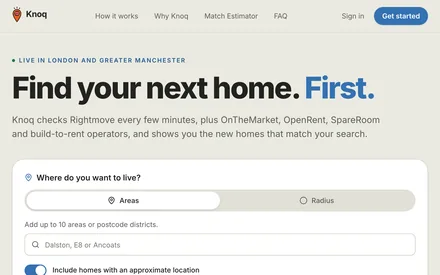
Rental alerts
Knoq UK
Knoq UK watches the London and Manchester rental market and shows renters new homes the moment they are listed, built by Lumanaire.
 Our own product
Built and run by Lumanaire
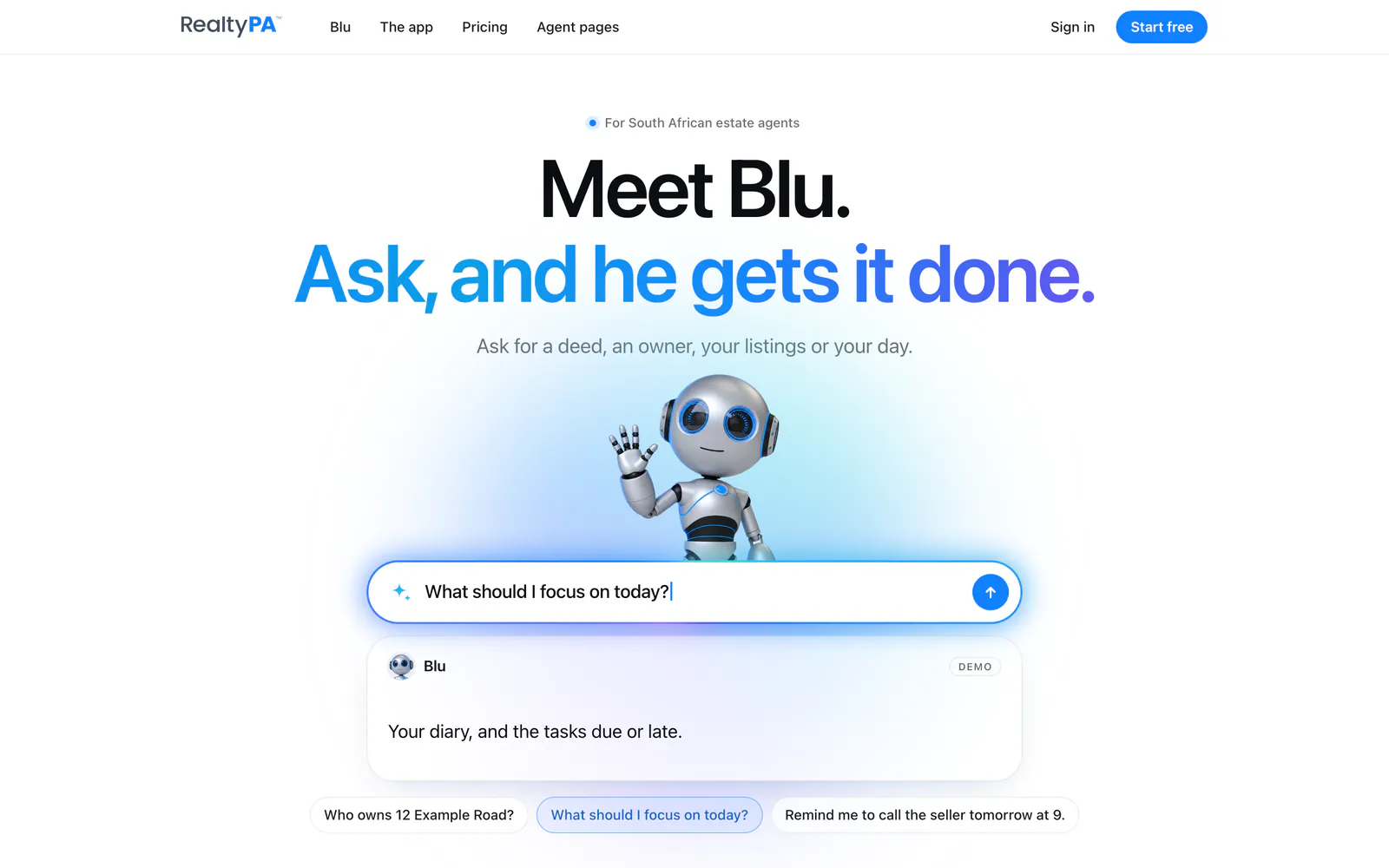
RealtyPA is our own app for South African estate agents. Listings, leads, the diary, deeds and documents share the same records on iPhone, Android and the web. Blu, the assistant we built into it, finds records, logs tasks and pulls deeds when the agent asks, and waits for a Confirm before anything is saved.
From the morning diary to the report an owner gets on a Monday. Tap a stage to jump to it.
Start of the day
Today puts the agent’s day on one screen: the diary hour by hour, the tasks that are due or late, and new leads while they are still warm. The same records are on the phone and on the laptop.
Viewings, show days and deadlines together, with the buyer and the listing on each appointment.
Each task and note sits on the contact and the property it is about.
The RealtyPA calendar works with Google Calendar and Outlook.
The iPhone and Android apps run the same app as the web, with one login and the same data.
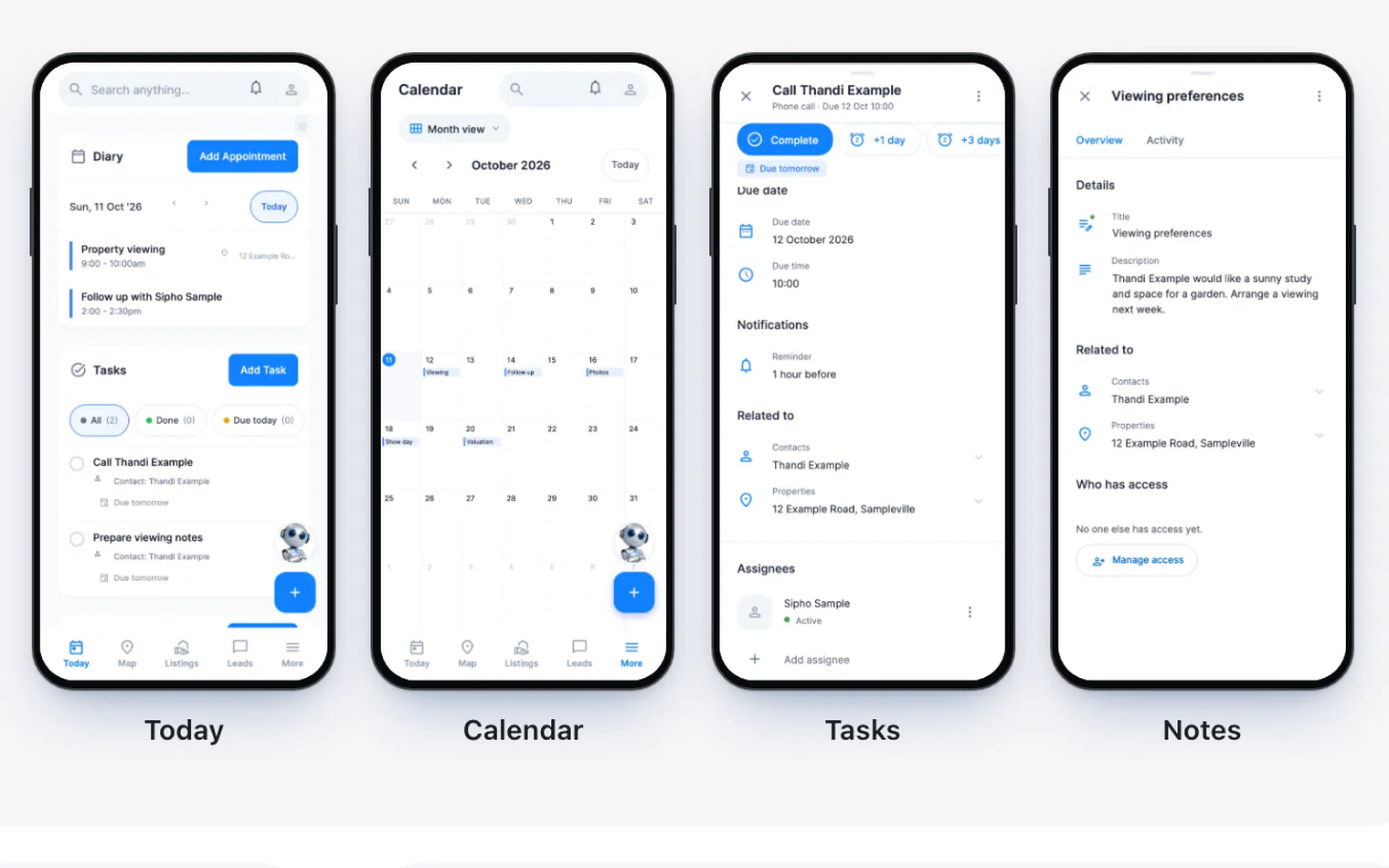
Today, the calendar, a task and a note, from realtypa.com. Every screen on the site uses sample data.
Any time
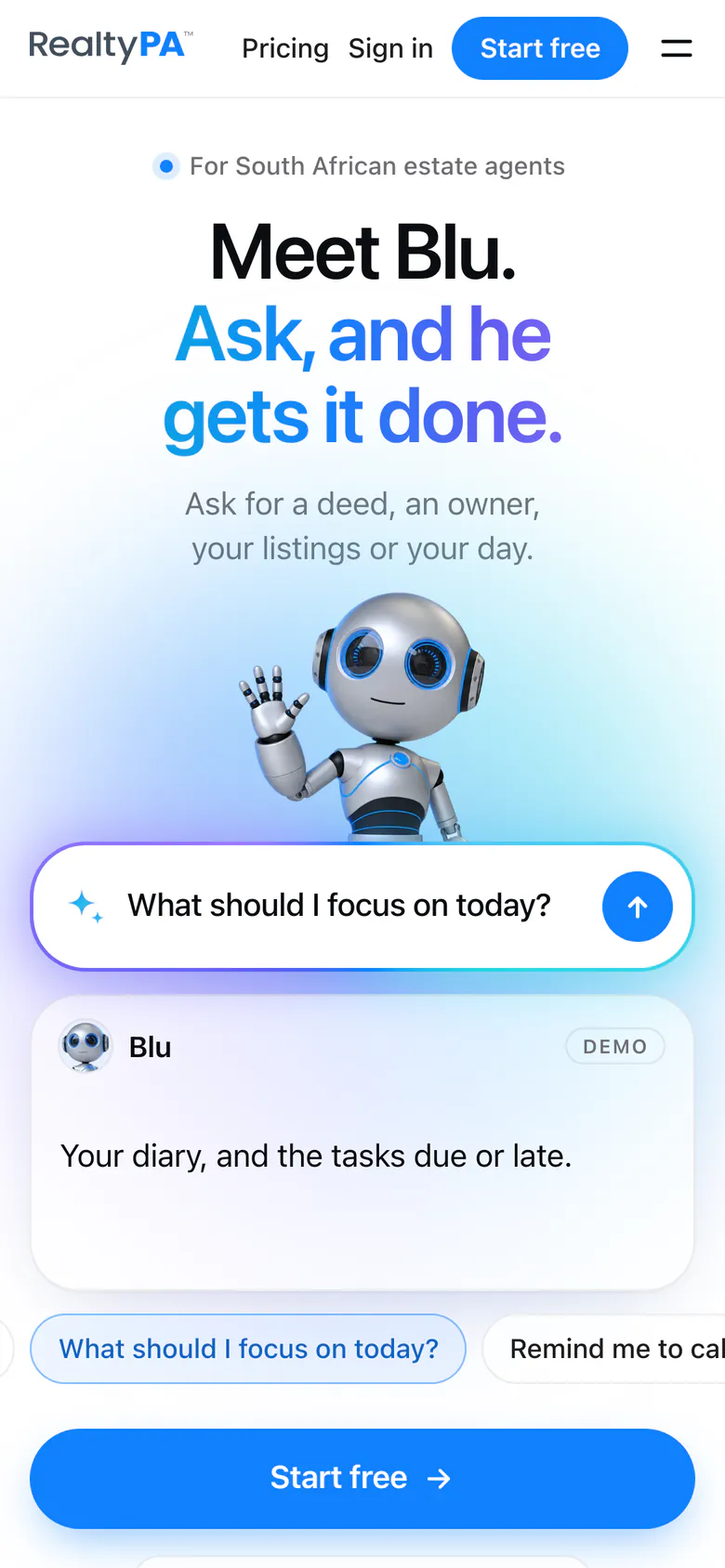
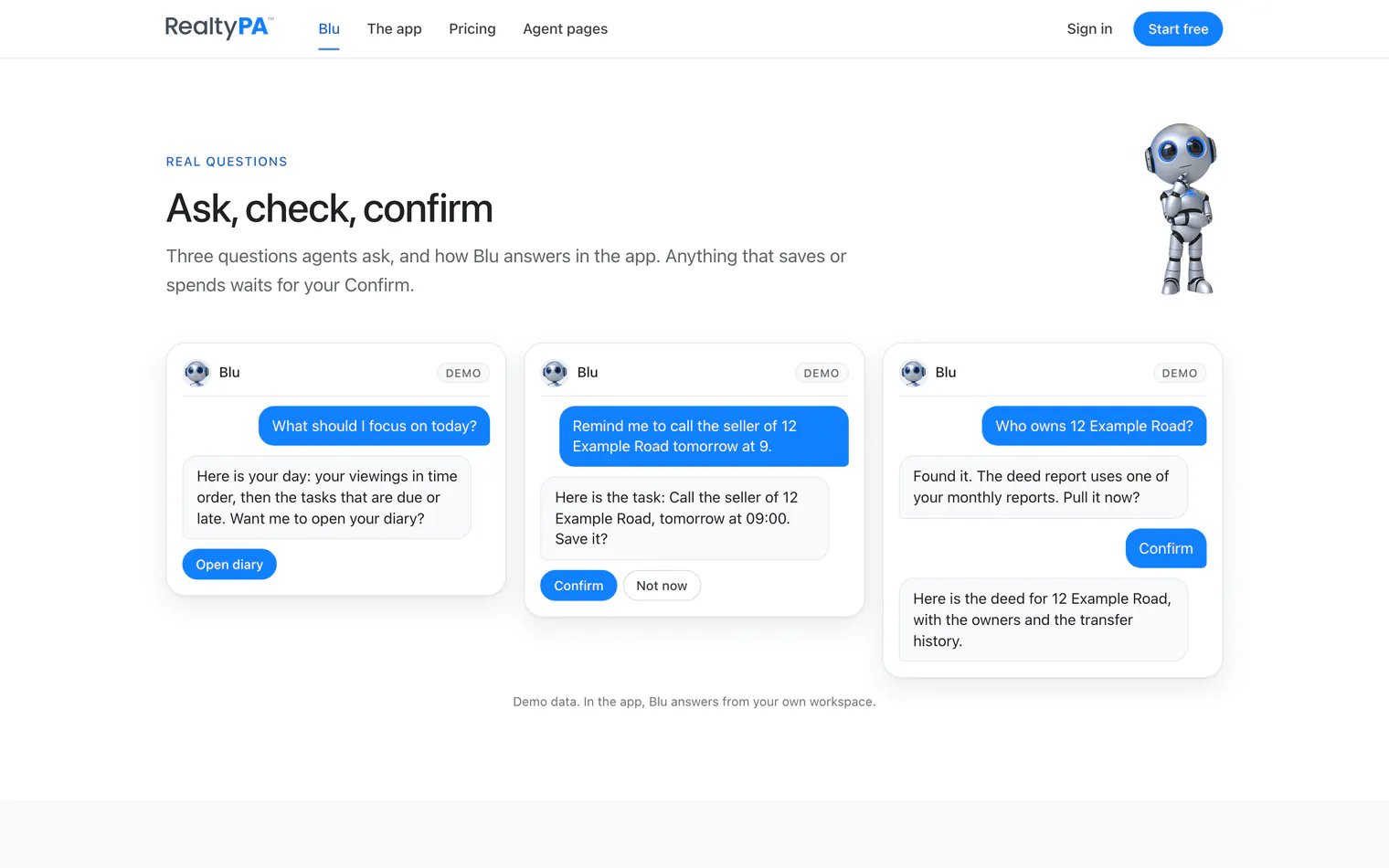
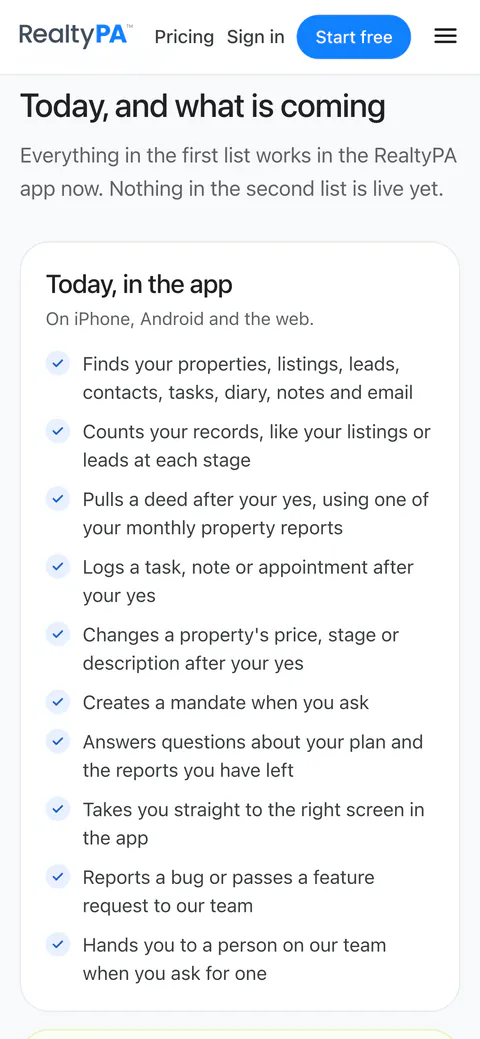
Blu is the assistant we built into RealtyPA. He knows the agent’s own workspace, so a question in plain words finds a listing, logs a task or pulls a deed. Anything that saves or spends waits for the agent to press Confirm.
Properties, listings, leads, contacts, tasks, the diary, notes and email, and counts such as leads at each stage.
Logs a task, note or appointment, or changes a price, stage or description, once the agent confirms.
Creates a mandate when asked, and takes the agent straight to the right screen in the app.
Hands over to a person on the RealtyPA team when asked. Blu never sends a message for the agent.
Before the knock
Listings sit on a map, each with its photos and portals. A property report brings up the owner, the sale price, the sale and registration dates, the title deed number and the bond, from licensed Deeds Office transfer records rather than a property portal.
Pins that group as you zoom, street, satellite and terrain views, and erf outlines in the Cape Town metro.
The owners and the transfer history of a property, with its bond.
Every plan includes property reports each month, and opening a property already pulled that month does not count again.
To let and for sale in one list, with the stage, price and agent on each, and the gaps in a listing flag themselves.
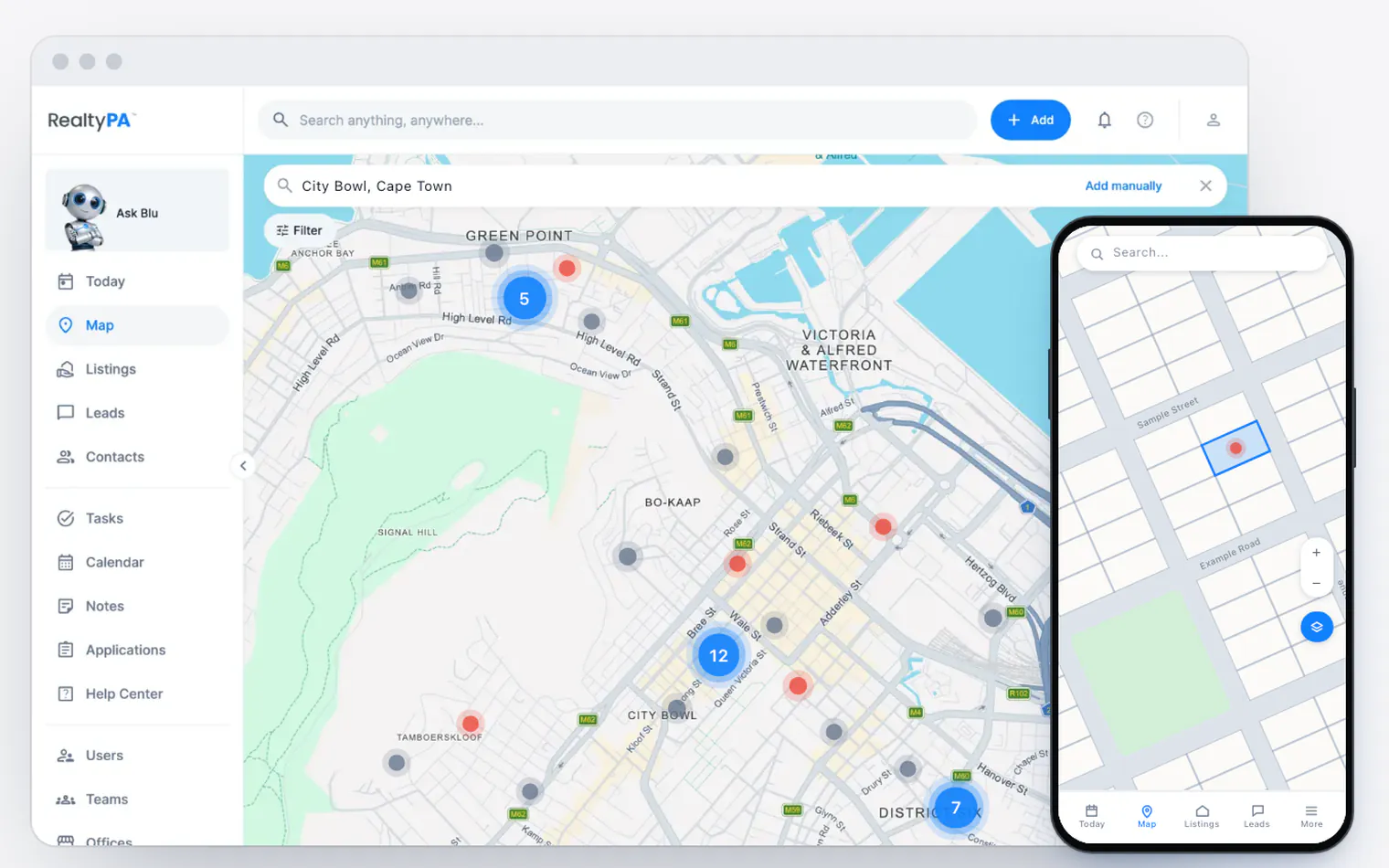
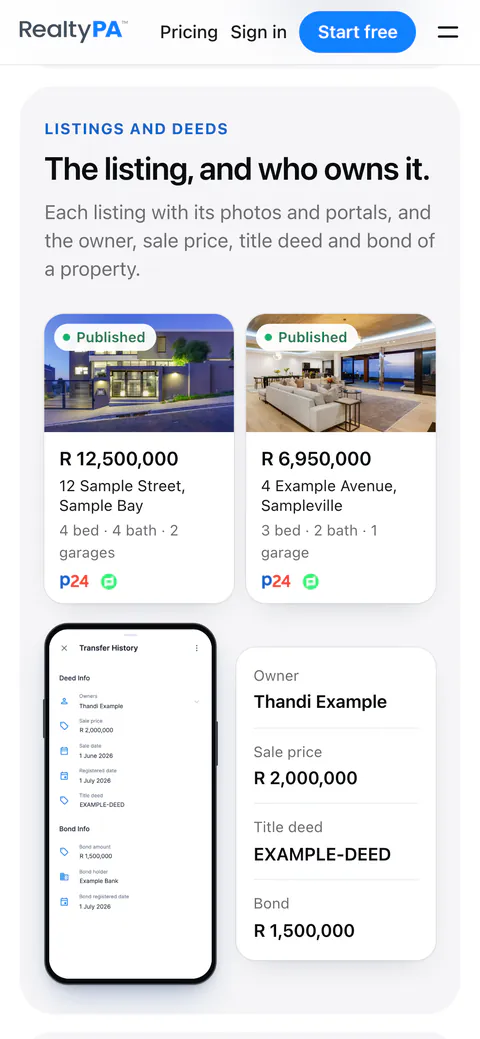
The map and a deed card from realtypa.com, with sample listings and a sample owner.
On the market
Once the agency links its portal accounts, ticking Publish sends a listing to Property24 and Private Property on the Pro and Enterprise plans, and new enquiries are picked up every ten minutes. Brochures, mandates, posts and the owner’s weekly report all come from the same listing.
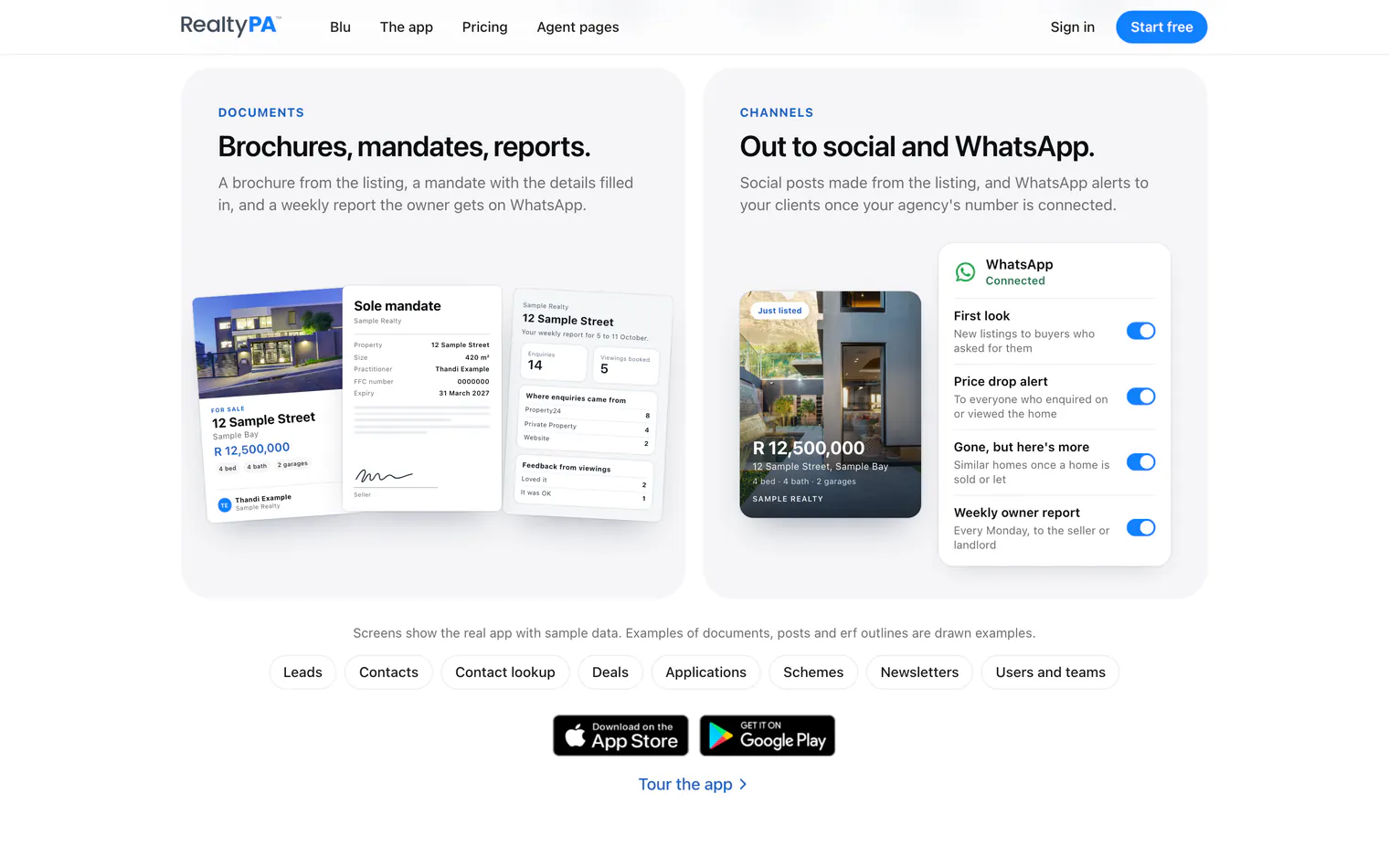
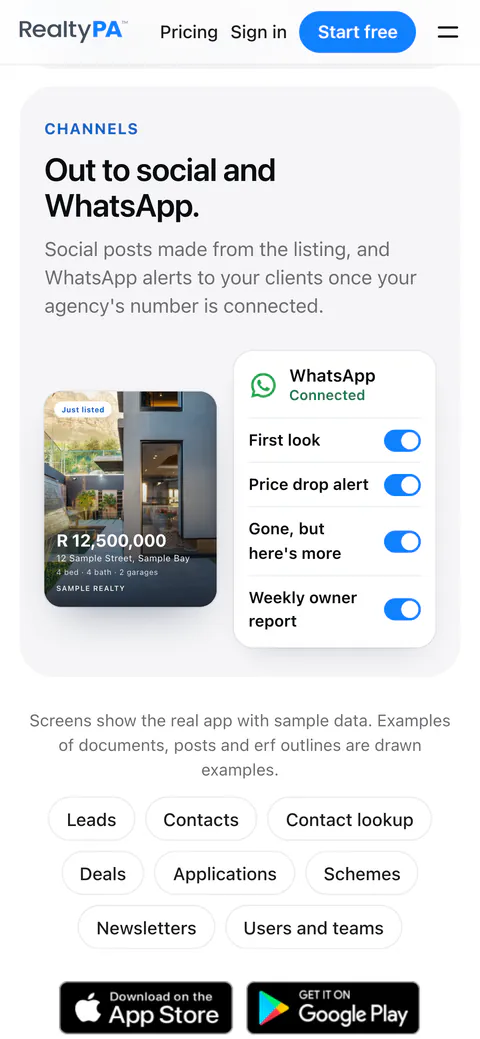
Documents and posts on realtypa.com are drawn examples with sample data.
Enquiries from Property24, Private Property and the agent’s own website, with the source on every lead.
Made straight from the listing, beside a mandate with the details filled in.
Generated, sent and filed back on the record once signed. FICA and POPIA live on the contact.
Every Monday on WhatsApp: enquiries, viewings booked, where the enquiries came from and feedback from viewings.
A first look at new listings, a price drop alert to everyone who enquired or viewed, and similar homes once one is sold or let, sent on WhatsApp once the agency’s number is connected.
Social posts made from the listing itself, with its photo, price and address.
Before Blu saves, changes or spends anything, he asks you first. And Blu never sends a message for you.
Rental alerts
Knoq UK watches the London and Manchester rental market and shows renters new homes the moment they are listed, built by Lumanaire.
Golf scoring app
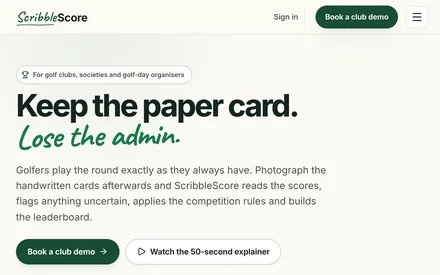
ScribbleScore reads handwritten golf scorecards and scores the competition, built by Lumanaire.
Golf club software
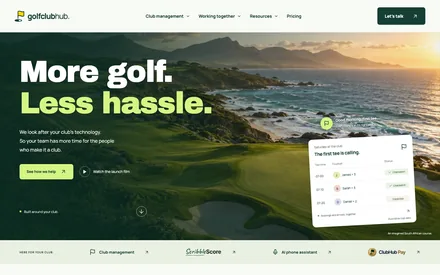
Golf Club Hub is club management software for South African golf clubs, built by Lumanaire.
All the work Visit realtypa.com (opens in a new tab)
One sentence is enough. It comes straight to us on WhatsApp.
Let’s get started on WhatsApp (opens in a new tab) Let’s get started on WhatsApp (opens in a new tab)