
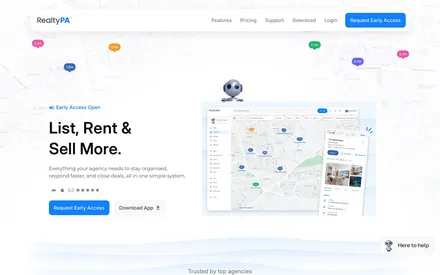
App for estate agents
RealtyPA
RealtyPA is an all-in-one CRM app for real estate agents, on iPhone, Android and the web, built by Lumanaire.
Sigea Network
Hiring for private security in South Africa, built by Lumanaire
We built Sigea Network on sigeanetwork.com. Private security officers build one live profile and upload their documents once. The Sigea team checks the documents by hand before a profile earns the Sigea Verified badge, and approved companies recruit from verified profiles instead of unchecked CVs.
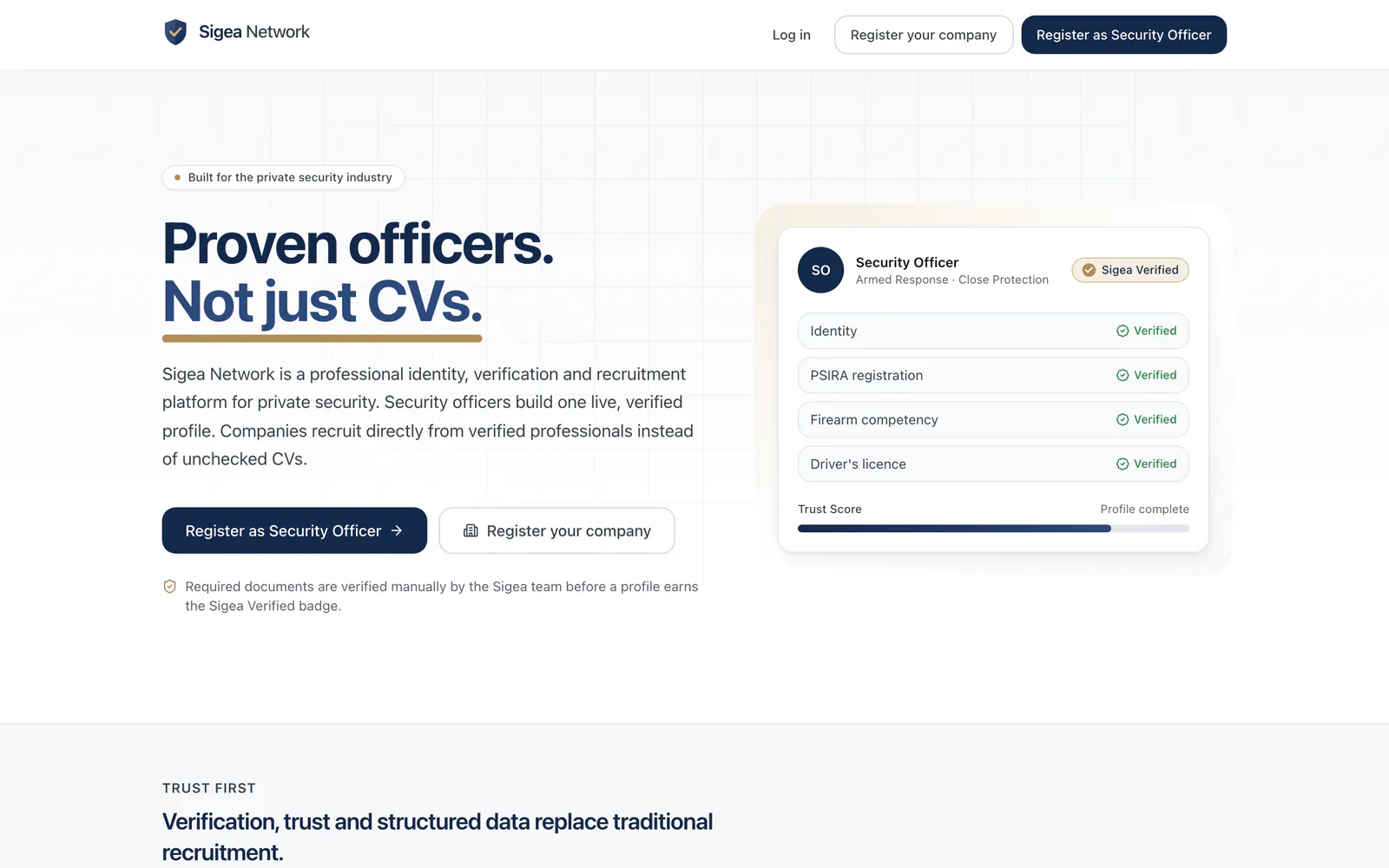
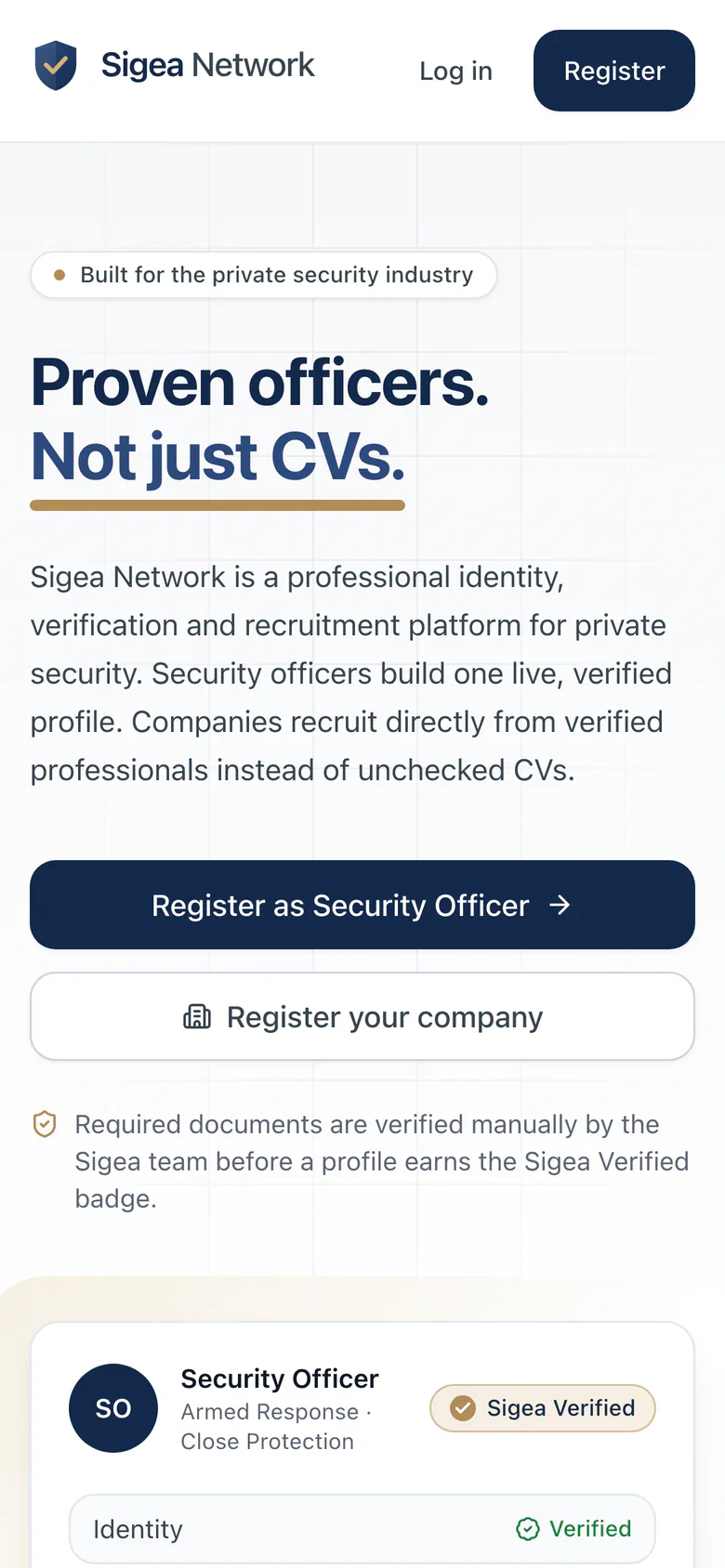
From creating an account to being found by an approved company: the same four steps the Sigea home page sets out. Tap a stage to jump to it.
Registering
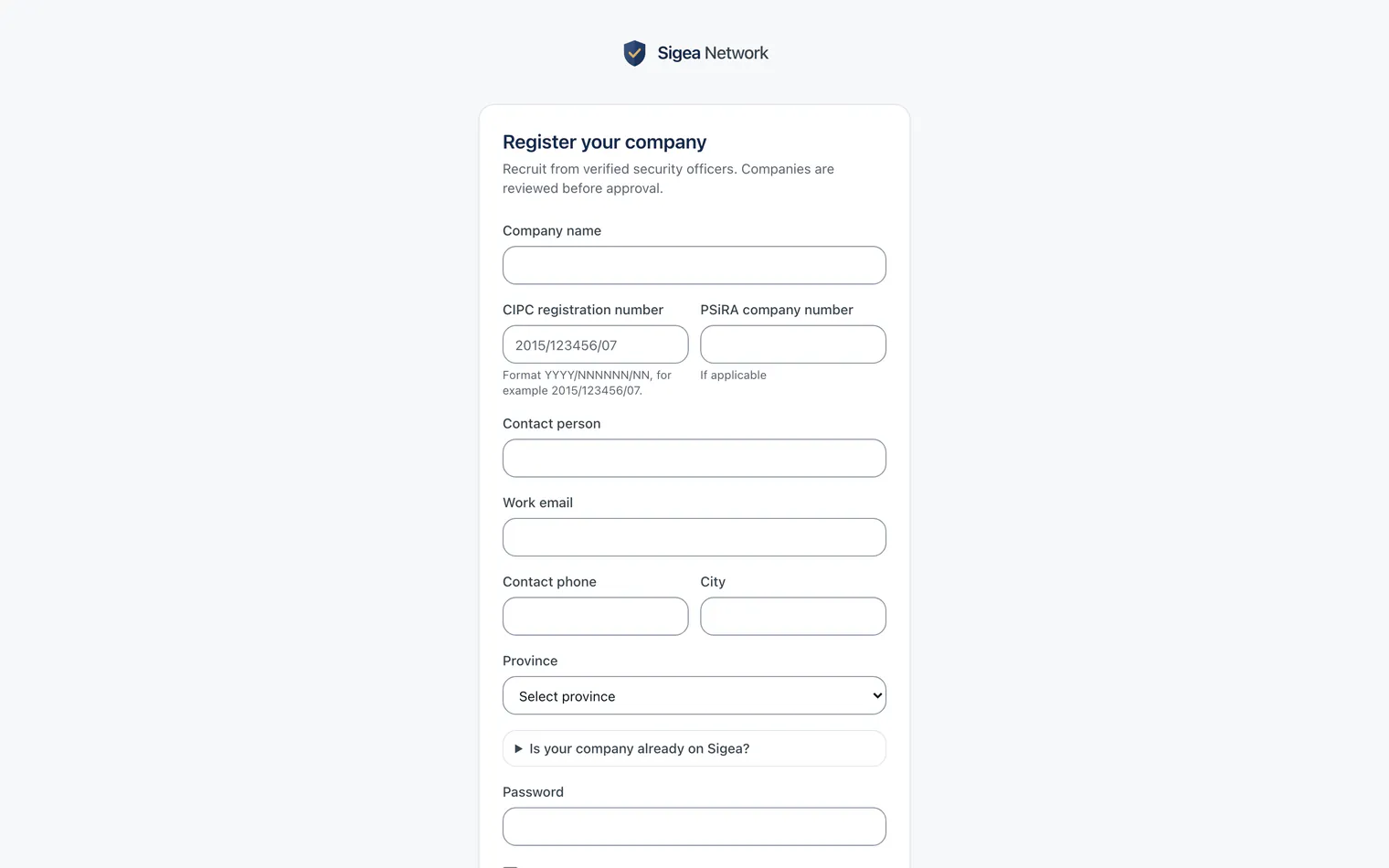
An officer registers in a guided flow of six steps, starting with the account. Next comes the professional profile: personal details, experience, roles and qualifications. Companies register on a form of their own and are reviewed before approval.
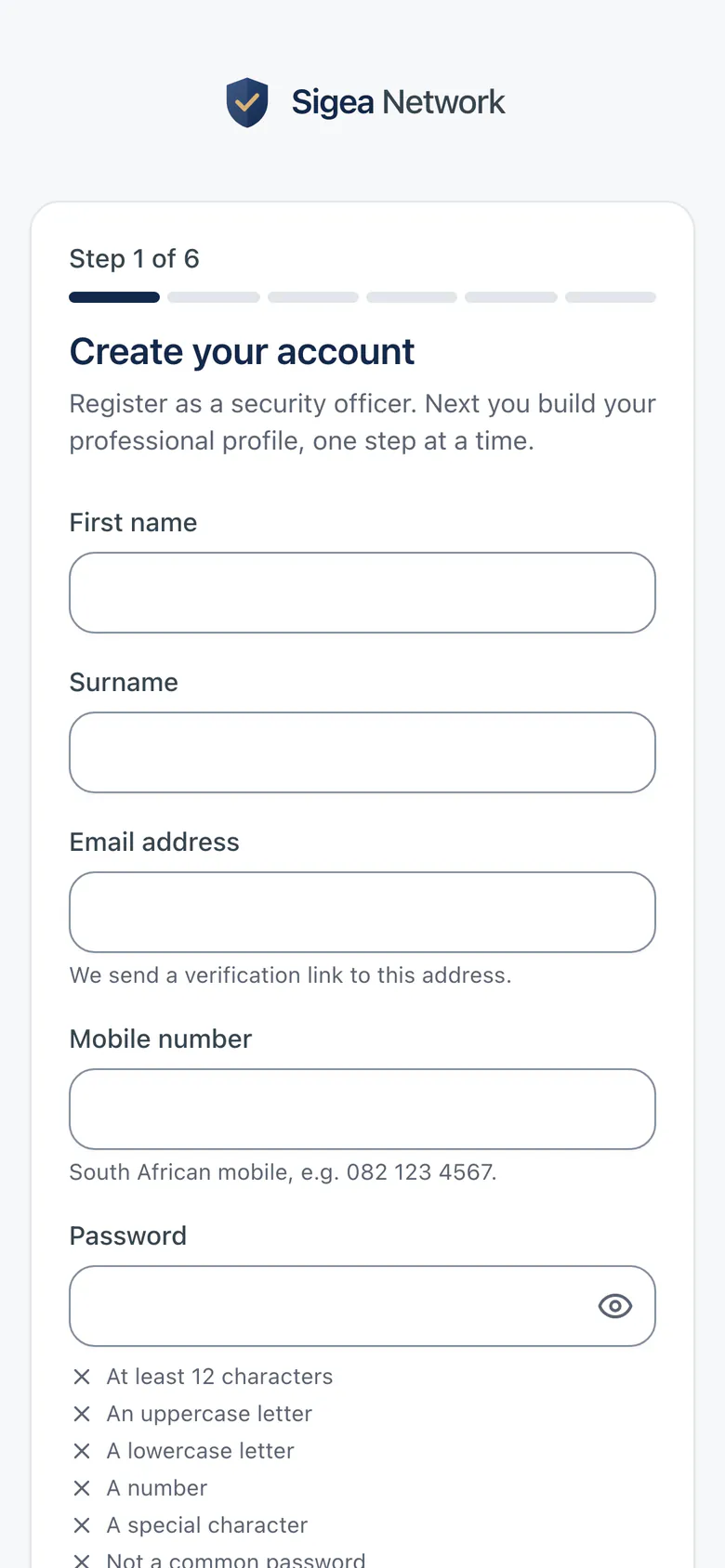
A progress bar shows the officer which step they are on, from creating the account onwards.
At least 12 characters, upper and lower case letters, a number, a special character, and not a common password.
South African mobile numbers for officers. A CIPC registration number and, where it applies, a PSiRA company number on the company form.
Officers accept the Terms and Conditions and the Privacy Policy, and consent to their documents being processed for verification. Emails about jobs are optional.
Uploading
Officers upload their documents once and have them verified. The profile replaces the CV: an officer updates it once and every company sees the latest version.
The PSIRA certificate, ID, driver’s licence and the certificates the officer’s roles require.
Officers get a reminder before a document runs out.
A CV built from the officer’s profile, plus a professional headshot.
Update it once and every company sees the latest version.
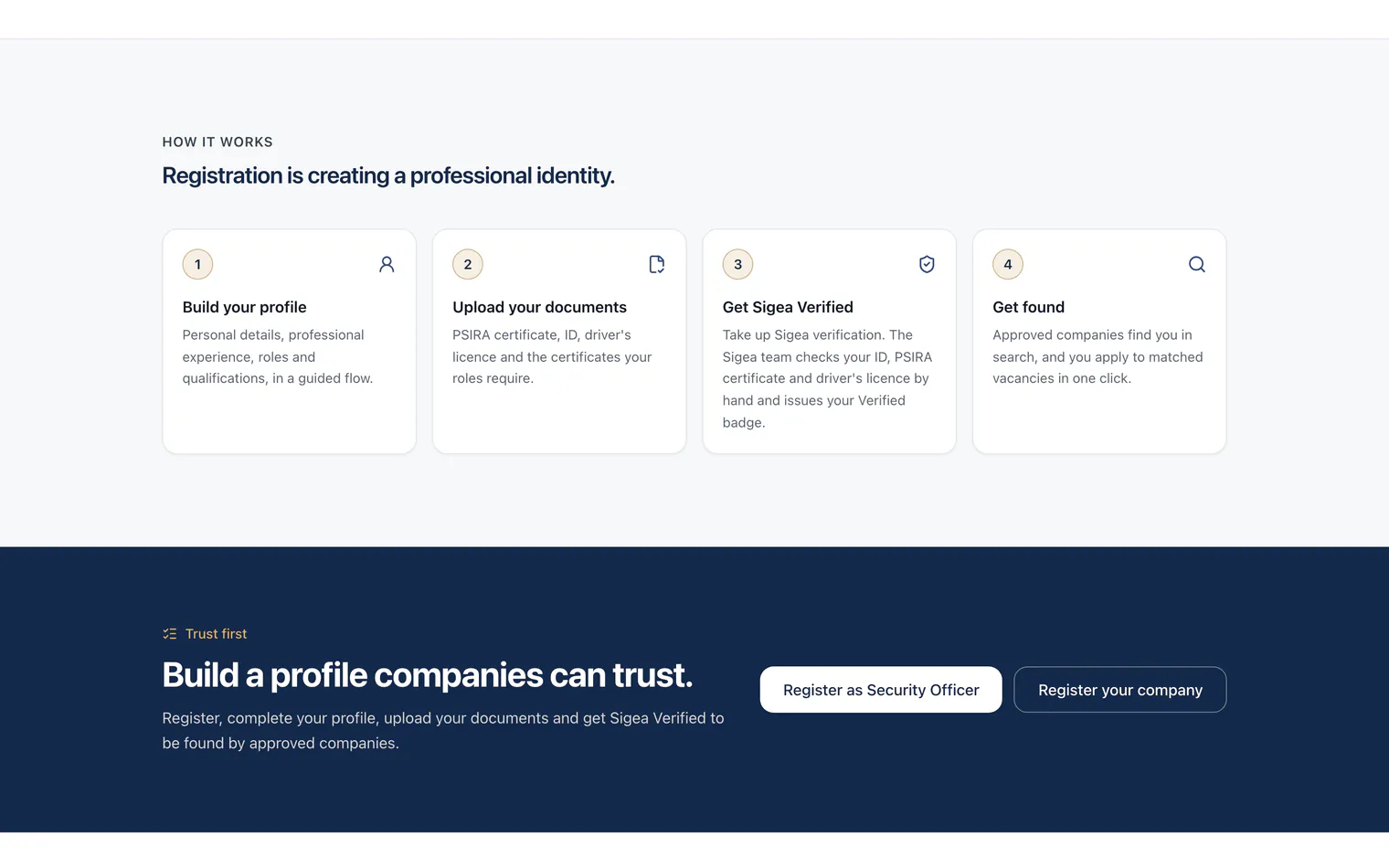
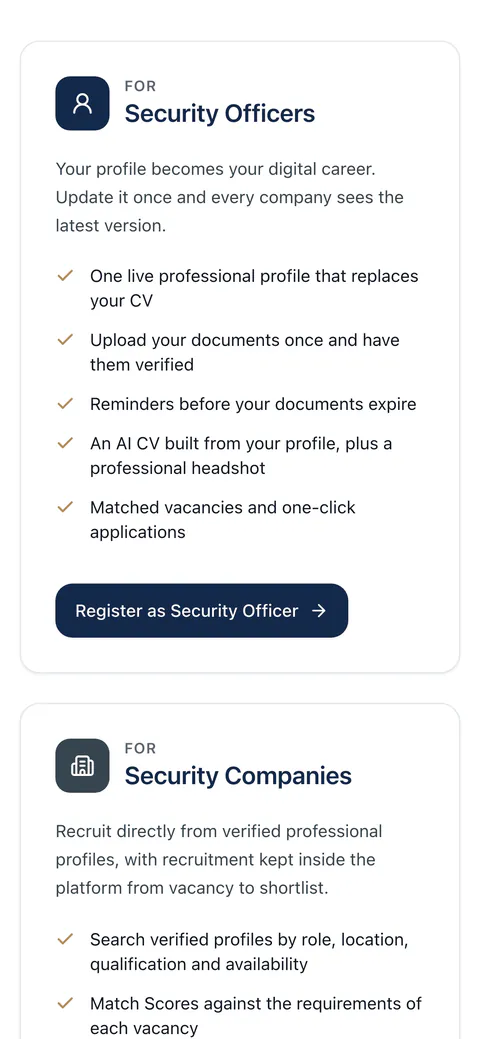
How it works on a computer, and what officers get, on a phone.
Verifying
When an officer takes up Sigea verification, the Sigea team checks their ID, PSIRA certificate and driver’s licence by hand, and only then issues the Sigea Verified badge. Companies are reviewed and approved too, before they can search profiles.
ID documents are checked before a profile can be verified.
PSIRA registration, firearm competency and licences are reviewed by hand.
Companies are reviewed and approved before they can search profiles.
Built from how complete the profile is and what has been verified.
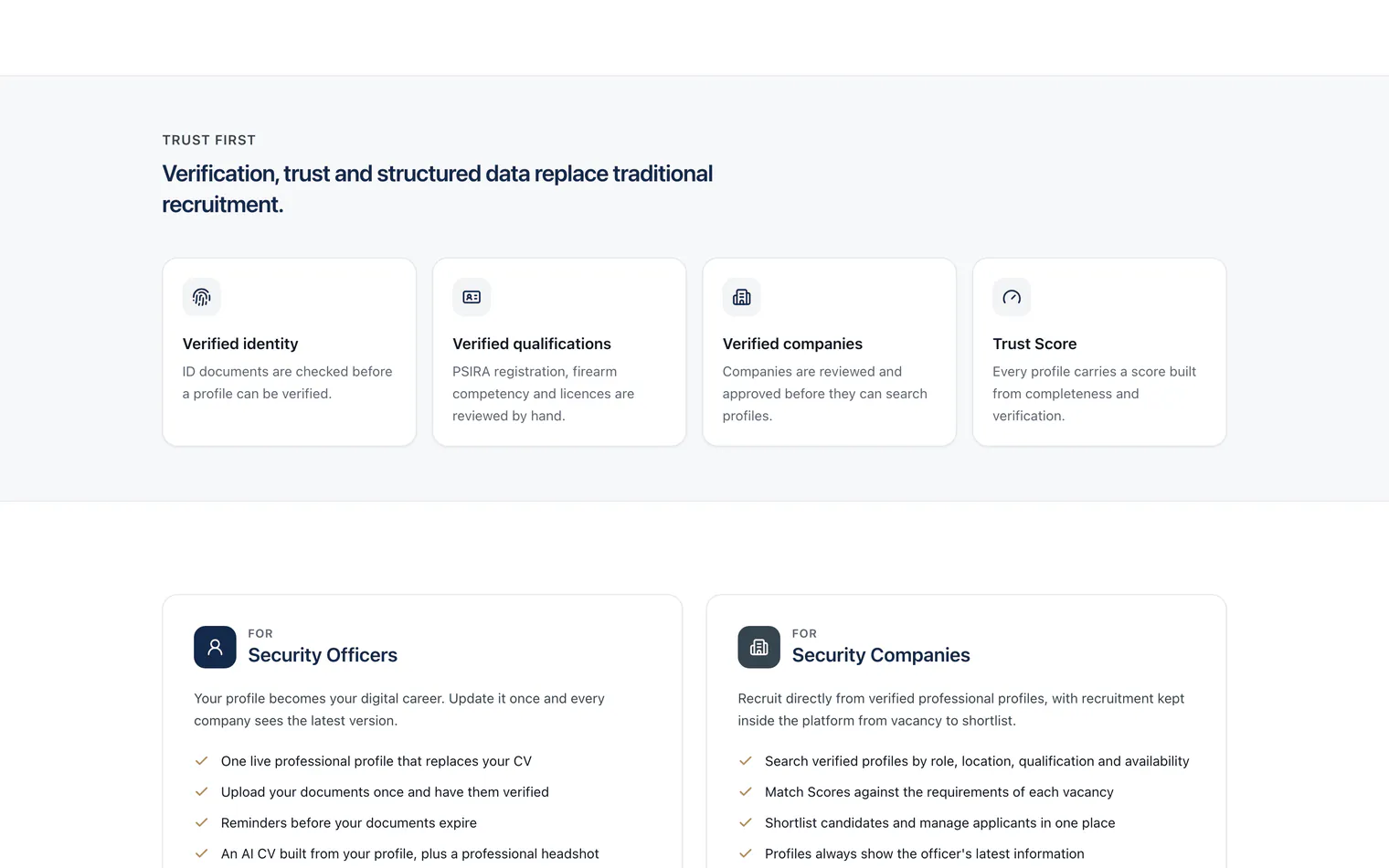
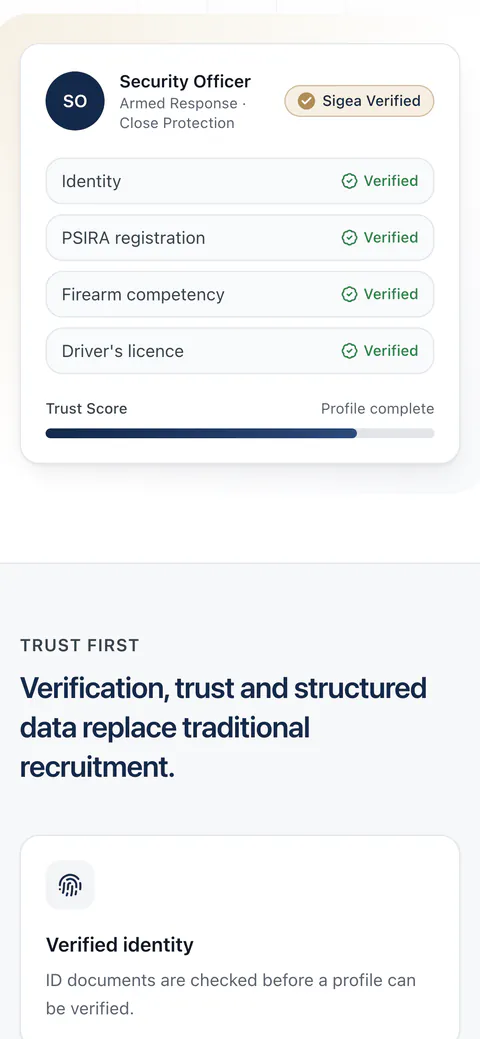
Trust first on a computer, and the sample profile from the home page, on a phone.
Getting found
Approved companies search verified profiles by role, location, qualification and availability. Each vacancy gives Match Scores against its own requirements, officers apply in one click, and recruitment stays on Sigea from vacancy to shortlist.
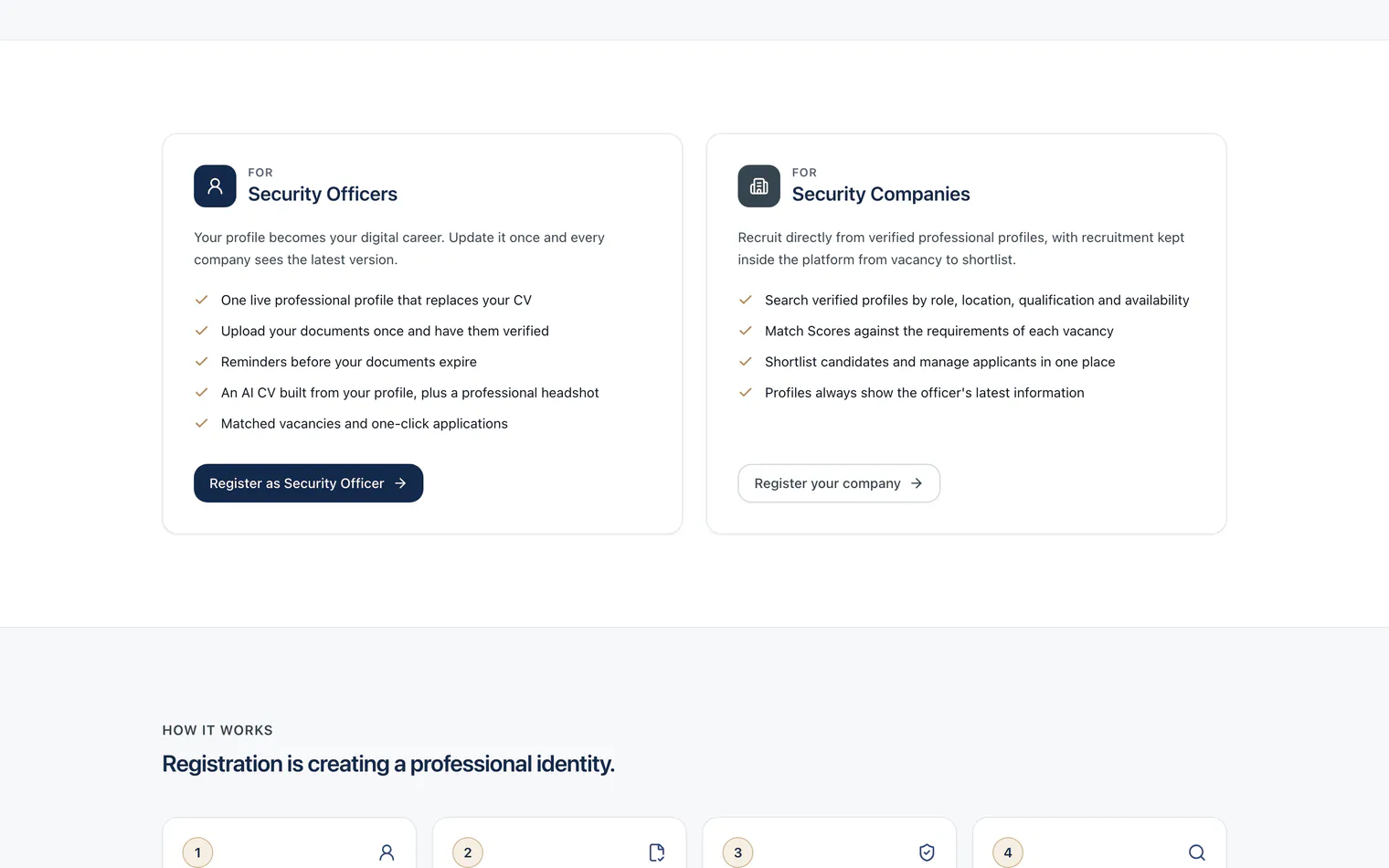
Role, location, qualification and availability, across verified profiles.
Each vacancy scores officers against its own requirements.
Officers see matched vacancies and apply in one click.
Companies shortlist candidates and manage applicants together.
Profiles always show the officer’s latest information.
Officers and companies each register on their own form and sign in at the same place.
Required documents are verified manually by the Sigea team before a profile earns the Sigea Verified badge.
App for estate agents
RealtyPA is an all-in-one CRM app for real estate agents, on iPhone, Android and the web, built by Lumanaire.
Golf scoring app
ScribbleScore reads handwritten golf scorecards and scores the competition, built by Lumanaire.
Rental alerts
Knoq UK watches the London and Manchester rental market and shows renters new homes the moment they are listed, built by Lumanaire.
All the work Visit sigeanetwork.com (opens in a new tab)
One sentence is enough. It comes straight to us on WhatsApp.
Let’s get started on WhatsApp (opens in a new tab) Let’s get started on WhatsApp (opens in a new tab)